
Midnight Club 3 PPSSPP Walkthrough
If you are a fan of street racing games, then Midnight Club 3: DUB Edition is one of the most iconic titles you can play even today. Thanks to PPSSPP emulator, you can now enjoy this classic racing game on your Android device with enhanced graphics, smooth gameplay, and custom features like texture packs and cheats.
In this complete guide, we will cover everything you need to know about Midnight Club 3 PPSSPP including ISO file, save data, texture packs, cheats, and how to set it up properly.
What is Midnight Club 3?
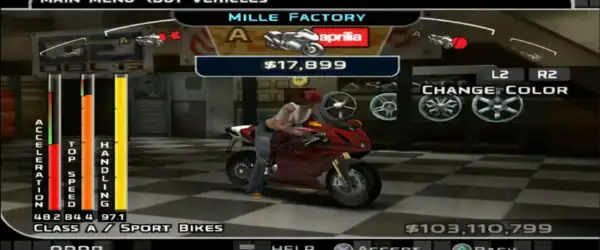
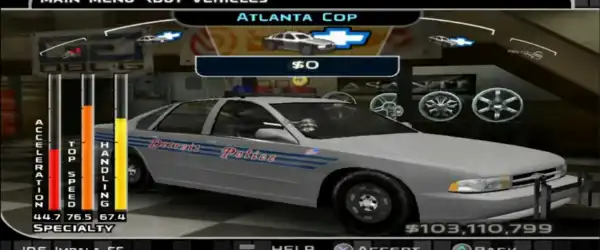
Midnight Club 3: DUB Edition is an open-world street racing game where players compete in high-speed races across cities like San Diego, Atlanta, and Detroit. The game is known for its fast gameplay, deep car customization, and intense racing experience.
With PPSSPP, you can now play this PSP version on your mobile device with better resolution and controls.
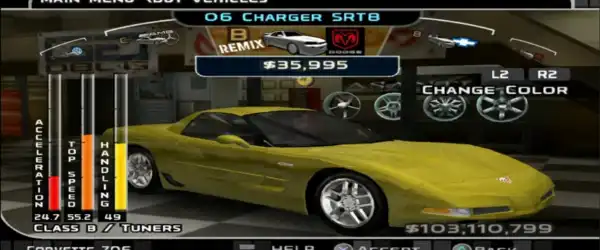
Features of Midnight Club 3 PPSSPP
Here are some amazing features you will enjoy:
- Open-world racing gameplay
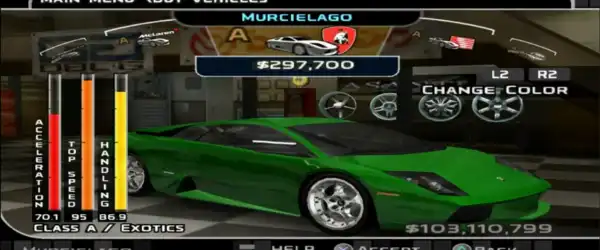
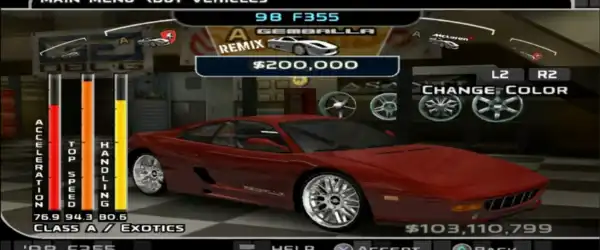
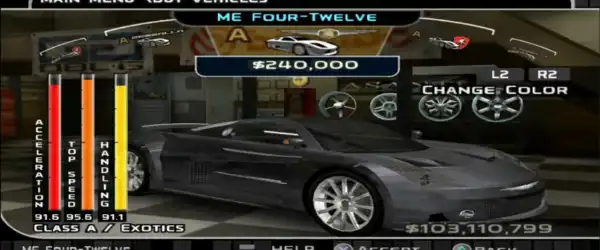
- Real licensed cars and bikes
- Deep customization options
- Multiple game modes (Career, Arcade, etc.)
- High-speed police chases
- Smooth gameplay on Android with PPSSPP
- Support for HD texture packs
- Save data for unlocked progress
Required Files
To run Midnight Club 3 on PPSSPP, you need the following files:
- ISO File – The main game file
- PPSSPP Emulator – To run the game
- Save Data – Optional, for unlocked cars and progress
- Texture Pack – For enhanced graphics
- Cheats File – To enable special features
Make sure all files are properly downloaded before starting the setup.
How to Install PPSSPP Emulator
Follow these steps:
- Download PPSSPP Emulator from Google Play Store or official website
- Install the app on your Android device
- Open the emulator and grant storage permissions
Now your emulator is ready to run PSP games.
How to Install Midnight Club 3 ISO
- Extract the downloaded ISO file using ZArchiver
- Move the ISO file to a folder (e.g., PSP/GAME)
- Open PPSSPP emulator
- Locate the ISO file
- Tap on it to start the game
Your game should now launch successfully.
How to Install Save Data
Save data helps you unlock everything instantly.
Steps:
- Extract the save data ZIP file
- Move the folder to:
Internal Storage > PSP > SAVEDATA - Open the game
Now you will have unlocked cars, money, and progress.
How to Install Texture Pack
Texture packs improve graphics quality significantly.
Steps:
- Extract the texture pack file
- Move it to:
Internal Storage > PSP > TEXTURES - Open PPSSPP
- Go to Settings > Tools > Developer Tools
- Enable Replace Textures
Restart the game and enjoy HD visuals.
Best PPSSPP Settings for Smooth Gameplay
To get lag-free performance, use these settings:
Graphics Settings:
- Backend: OpenGL
- Frame Skipping: Off
- Rendering Resolution: 2x or PSP
- Texture Scaling: Off (if low-end device)
- Lazy Texture Caching: On
System Settings:
- Fast Memory: On
- Multithreaded: On
- I/O on Thread: On
Controls:
- Customize controls as per your preference
These settings will help you achieve smooth gameplay even on mid-range devices.
Midnight Club 3 Cheats (PPSSPP)
Cheats make gameplay more fun and exciting.
Popular Cheats:
- Unlimited Money
- Unlock All Cars
- Infinite Nitro
- No Police
- Max Stats
How to Enable Cheats:
- Open PPSSPP Emulator
- Long press the game
- Click on Cheats
- Add or import cheat codes
- Enable them
Restart the game and enjoy the features.
Tips for Better Gameplay
Here are some useful tips:
- Upgrade your car regularly
- Use nitro wisely during races
- Learn shortcuts in each city
- Avoid crashing at high speeds
- Complete side missions for extra rewards
Mastering these tips will help you dominate races easily.
Advantages of Playing on PPSSPP
Playing Midnight Club 3 on PPSSPP has many benefits:
- Better graphics than original PSP
- Save and load anytime
- Custom controls
- Cheat support
- Texture enhancement
- No need for physical PSP console
It gives you a modern gaming experience for a classic title.
Common Issues & Fixes
Game Lag:
- Lower resolution
- Enable frame skipping
Black Screen:
- Change graphics backend
- Reinstall ISO file
Texture Not Working:
- Check correct folder placement
- Enable Replace Textures
Is It Safe to Download?
Always download files from trusted sources. Avoid unknown websites as they may contain harmful files.
Make sure your device has antivirus protection for extra safety.
Final Words
Midnight Club 3 PPSSPP is one of the best racing experiences you can have on Android. With the help of ISO, save data, texture packs, and cheats, you can fully customize your gameplay and enjoy a high-quality racing adventure.
Whether you want to relive childhood memories or experience the game for the first time, this setup allows you to enjoy everything in one place.
So, download the required files, follow the setup guide, and start racing through the streets in style!