

Need for Speed: Most Wanted PPSSPP Walkthrough
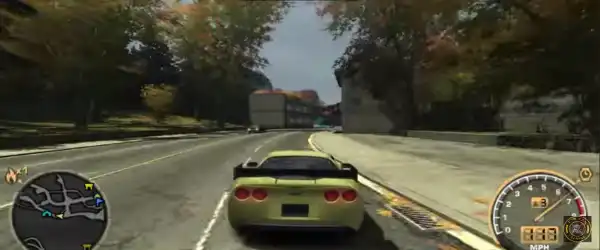
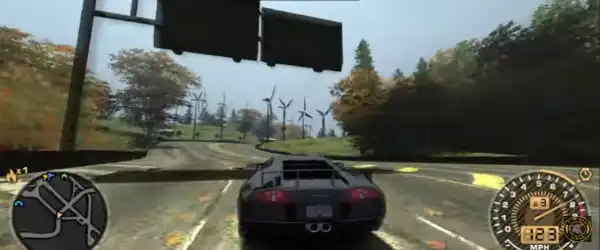
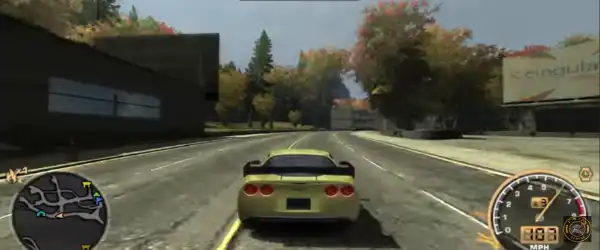
If you’re a fan of high-speed racing, intense police chases, and arcade-style driving, Need for Speed: Most Wanted remains one of the most iconic racing games ever created. While the original game wasn’t officially released for PSP, many fans still look for ways to experience similar gameplay on Android using the PPSSPP emulator. In this guide, you’ll learn everything about playing Need for Speed-style gameplay on PPSSPP, including save data, cheats, setup, and tips for smooth performance.
What is PPSSPP?
PPSSPP is a popular PSP emulator that allows you to play PlayStation Portable games on Android, PC, and other platforms. It enhances graphics, improves performance, and gives you access to features like save states and cheats.
With PPSSPP, you can enjoy racing games similar to Need for Speed: Most Wanted with improved visuals and smoother gameplay compared to the original PSP hardware.
About Need for Speed: Most Wanted (PPSSPP Version)
Since Most Wanted (2005) was not officially released on PSP, players often use alternatives like:
- Need for Speed: Most Wanted 5-1-0
- Need for Speed: Carbon: Own the City
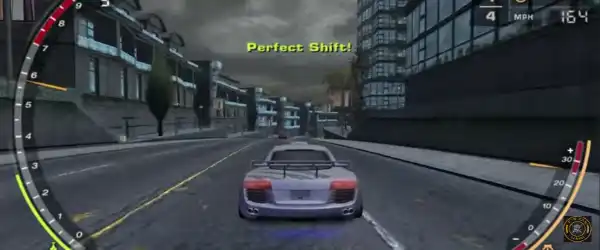
These versions capture the same thrilling gameplay elements:
- Street racing
- Police pursuits
- Car customization
- Career progression
They deliver a similar experience adapted for portable gaming.
Features of the Game
Here are some exciting features you can expect:
1. Intense Police Chases
Evade cops using speed, shortcuts, and smart driving. The AI becomes more aggressive as your heat level increases.
2. Wide Range of Cars
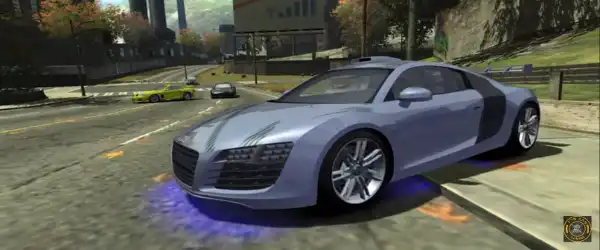
Unlock and drive multiple high-performance cars, each with unique handling and speed.
3. Customization Options
Upgrade your car’s performance and visuals with tuning, paint jobs, and decals.
4. Career Mode
Progress through races, defeat rivals, and become the most wanted racer.
5. Open City Environment
Explore a dynamic city with shortcuts, traffic, and interactive elements.
How to Download and Install
Follow these steps to set up the game on your Android device:
Step 1: Download PPSSPP Emulator
- Go to the Google Play Store
- Search for “PPSSPP Emulator”
- Install the app
Step 2: Download Game ISO File
- Download the ISO file of a compatible Need for Speed PSP version
- Make sure the file is in
.ISOor.CSOformat
Step 3: Extract Files
- Use apps like ZArchiver to extract ZIP/RAR files
- Place the ISO file in a folder like “PSP/GAME”
Step 4: Launch the Game
- Open PPSSPP
- Locate your game file
- Tap to start playing
Save Data (100% Completed)
Save data is very useful if you don’t want to start from scratch. A 100% save file usually includes:
- All cars unlocked
- Maximum money
- Completed career mode
- All tracks and challenges available
How to Use Save Data
- Download the save data file
- Extract it using ZArchiver
- Move the folder to:
Android > PSP > SAVEDATA - Replace existing files if needed
- Launch the game
Now you can enjoy everything unlocked instantly.
Cheats for Need for Speed (PPSSPP)
Cheats can enhance your gameplay by giving you unlimited resources and unlocking features.
Popular Cheats Include:
- Unlimited Money
- All Cars Unlocked
- Max Speed Boost
- Infinite Nitro
- No Police
How to Enable Cheats in PPSSPP
- Open PPSSPP Emulator
- Go to Settings
- Enable “Cheats”
- Launch the game
- Open the pause menu
- Tap “Cheats”
- Add or import cheat codes
You can either manually enter codes or download cheat.db files.
Best PPSSPP Settings for Smooth Gameplay
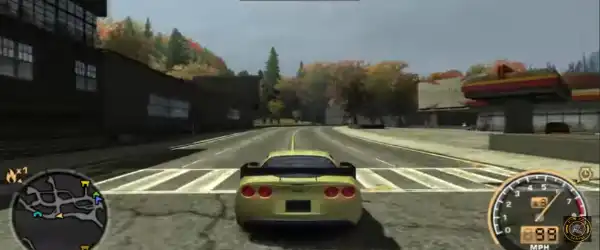
To get the best performance, use these recommended settings:
Graphics Settings
- Rendering Mode: Buffered Rendering
- Frame Skipping: Off (or 1 if lagging)
- Texture Scaling: Auto
- Rendering Resolution: 2x PSP
Performance Settings
- Enable Fast Memory
- Enable Multithreaded Rendering
- Lazy Texture Caching: On
Audio Settings
- Enable Sound: Yes
- Audio Latency: Low
These settings help reduce lag and improve FPS on most Android devices.
Tips to Improve Gameplay
- Use save states before difficult races
- Upgrade your car early for better performance
- Learn shortcuts to escape police faster
- Drift carefully to maintain speed
- Avoid crashing into traffic
Mastering these techniques will help you dominate races and progress faster.
Advantages of Playing on PPSSPP
- Better graphics than original PSP
- Custom controls and controller support
- Save and load anytime
- Cheat support
- Higher resolution gameplay
Common Issues & Fixes
Game Lagging
- Lower resolution
- Enable frame skipping
- Close background apps
Game Not Showing
- Check file format (ISO/CSO)
- Place in correct folder
Save Data Not Working
- Ensure correct folder path
- Restart emulator
Is It Safe to Use?
Yes, PPSSPP itself is completely safe and legal. However, make sure you download game files from trusted sources to avoid malware or corrupted files.
Final Thoughts
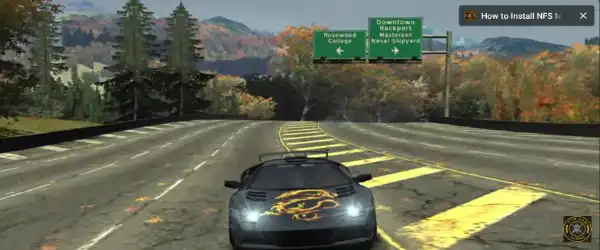
Playing Need for Speed: Most Wanted-style games on PPSSPP is an amazing experience for racing fans. With enhanced graphics, smooth controls, and added features like cheats and save data, you can enjoy the thrill of street racing anytime on your Android device.
Whether you want to relive nostalgia or try it for the first time, PPSSPP makes it easy and fun. Just follow the setup guide, apply the best settings, and hit the streets at full speed.